
XL Math 1.0
Practice math,
on your Atari.
Math practice for any Atari XL or XE with 64 KB: addition, subtraction, multiplication and division in rounds of 10 questions at three levels, the times tables and a 60-second challenge. No internet needed.
Education section. XL Math is educational software, not part of the XL Office suite: it comes on its own disk and works by itself. It joins XL Globe in the Education section.
See it in action.
Every frame comes from XL Math running on an emulated Atari.
Practice
Ten questions, three levels.
Choose Addition, Subtraction, Multiplication, Division or Mixed, and a level. Type the answer with the digits and press RETURN; BACK S erases. On the easy level, colored blocks help you count: two rows to add, the ones taken away in orange to subtract, and rows by columns to multiply.

Easy. One digit, and the tables from 1 to 5 times 1 to 10.
Medium. Two digits, and the tables from 1 to 10.
Hard. Three digits, and two digits by one digit to multiply and divide.
Times tables
One table, all twelve products.
^T asks which table you want to practice, from 2 to 12, and then asks its 12 products in random order, without repeating any of them.
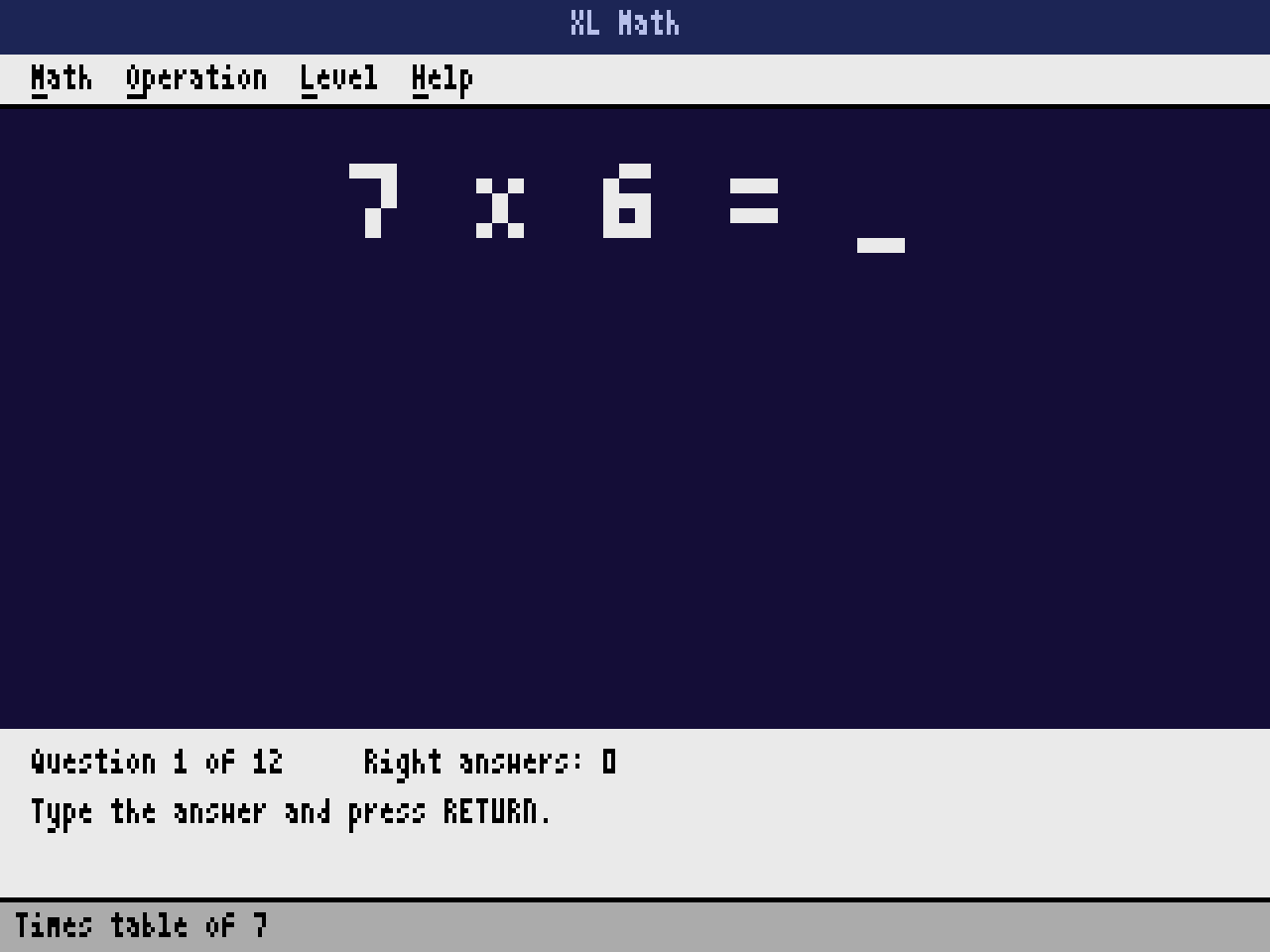
From 2 to 12. Choose the table you are learning.
Twelve products. All of them, none twice.
Random order. A new order every time.
Challenge
60 seconds, as many as you can.
^C starts the challenge: questions of the chosen operation and level for one minute. At the end you see your right answers, and if you beat the record for that operation and level, XL Math saves it on the disk.
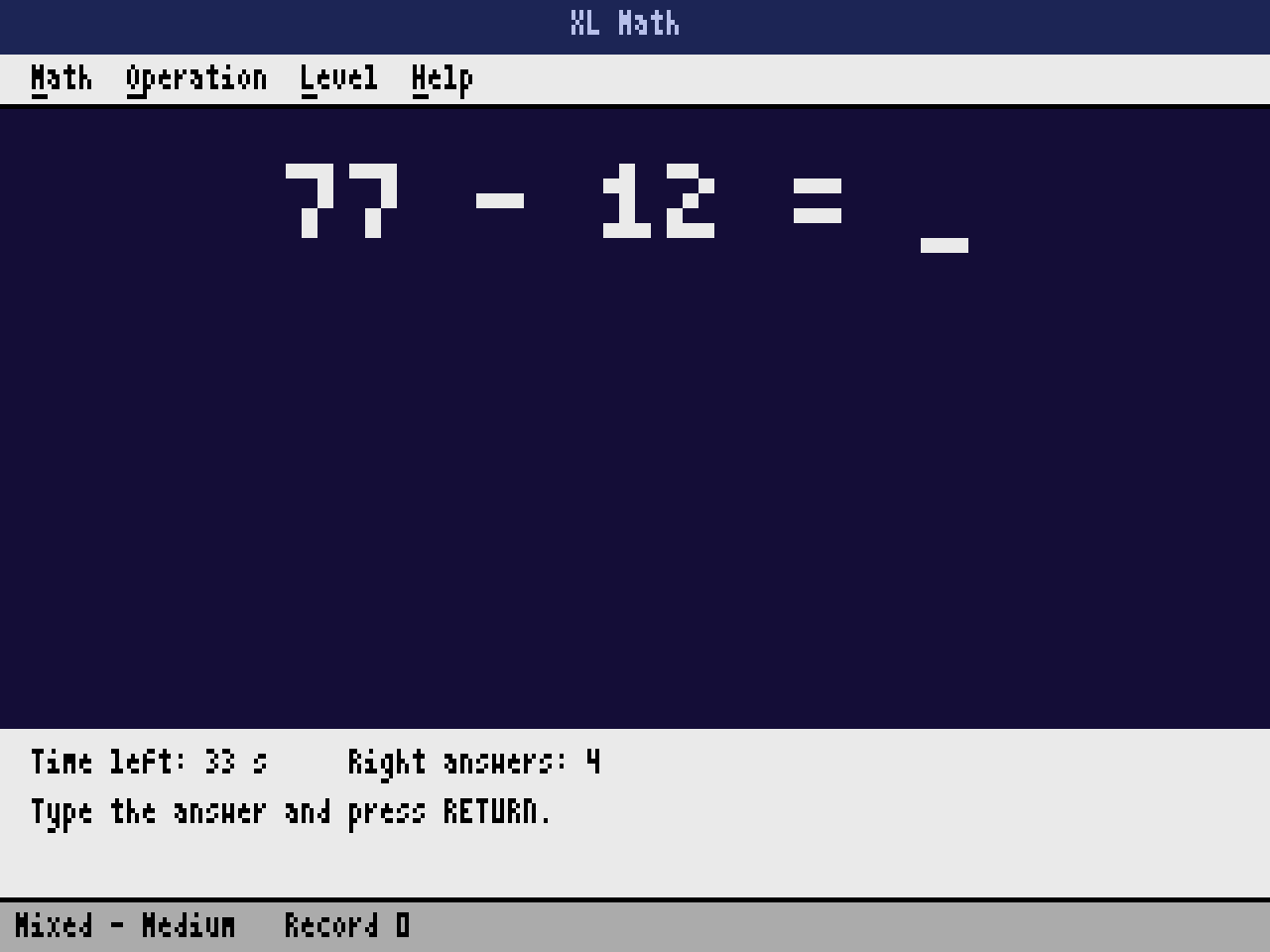
Right in green. With a rising sound from POKEY.
Wrong in orange. With the right answer shown.
Your records. One for each operation and level, in MATHREC.DAT.
Straight from the Atari.
Every screen below was taken from XL Math running in the emulator.
Addition. A row of blocks for each number.
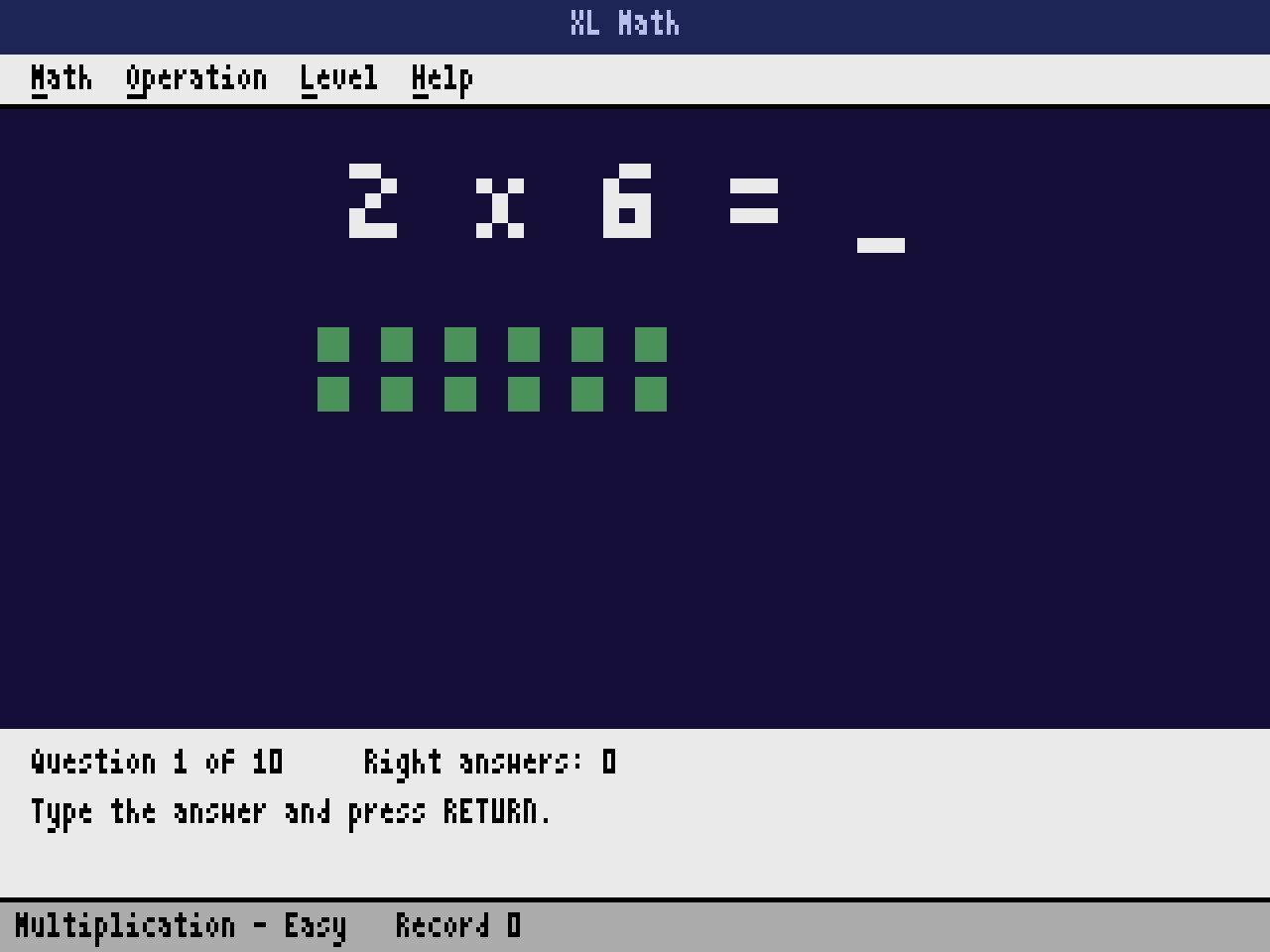
Multiplication. Rows by columns.
Times tables. The table of 7, in random order.
Challenge. The time left and your right answers.

Time is up! Your right answers and a new record.
What you need.
- Computer
- Any Atari XL or XE with 64 KB: 800XL, 1200XL, 65XE, 130XE, 800XE, XEGS and the 600XL expanded to 64 KB. NTSC or PAL.
- Controls
- The keyboard: the digits to answer, RETURN to check and BACK S to erase.
- Disk
- One single-density disk that boots XL Math by itself as drive 1. Keep it in the drive, without write protection, to save your records.
- Internet
- Not needed. Everything is on the disk.
- Languages
- English and Spanish, from Help > Language.
Take it home.
A small download: the boot disk, the manual in English and Spanish, the keys on one page and the license.
Keyboard shortcutsPDF · 280 KB
Freeware by MyComuApp. Free to use and to share with anyone, as long as the files go unchanged.
All files
- XLMath-1.0.zipEverything in one package: the disk, the license and the manual536 KB
aef8948324f92877f3c9e3c3c7d76e62ceb6478c6ad143e57a380c389653961f - XLMath-1.0.atrJust the disk, ready for FujiNet, SDrive or an emulator90 KB
5be79e66cf6e243bed504a81787fd17f6bbbc71ae0a4b16ae24301129fa23120 - XLMath-Keys-EN.pdfThe keys of XL Math on one page, to print280 KB
5e972e82b1457ce8e9d3e5e86aeac60974226ad7379349b82f5ae1174c34a0a9
Check your copy against the SHA-256 sums, also in SHA256SUMS.txt. On a Mac or Linux run shasum -a 256 -c SHA256SUMS.txt.
In Altirra
Pick an 800XL or a 130XE, open Boot Image in the File menu and choose XLMath-1.0.atr.
In atari800
Run atari800 -xl XLMath-1.0.atr. XL Math starts by itself.
On a real Atari
Copy the disk image to a FujiNet, SIO2PC or SDrive as drive 1, or write it to a floppy, and turn on the computer. Keep the disk in the drive to save your records.
Questions, answered.
Is XL Math part of XL Office?
No. XL Math is educational software with its own disk, in the Education section of this site, next to XL Globe: you do not need XL Office to use it. It shares the look and the menus of XL Office.
Do I need internet?
No. Everything is on the disk. XL Math only writes to it to save your challenge records.
Can a division have a remainder?
No. Divisions are always exact, and subtractions never give a negative number.
What happens at the end of a round?
After 10 questions you see how many you got right, the time you took and a message. RETURN plays another round with the same operation and level.